

Apple Magic Mouse (2024)
Design & Build
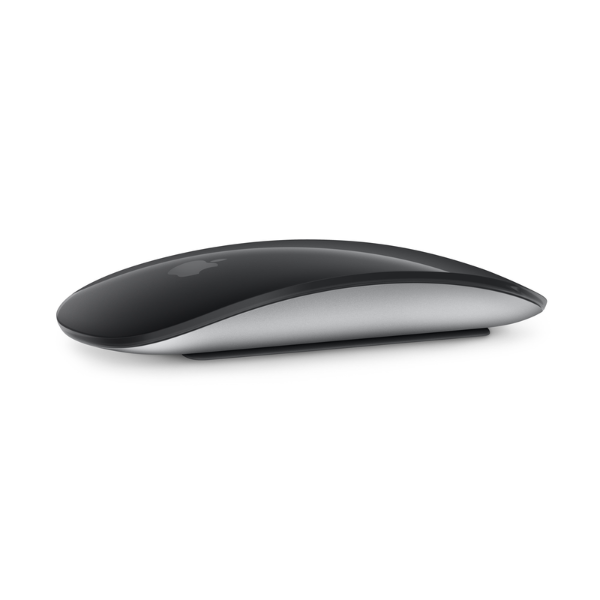
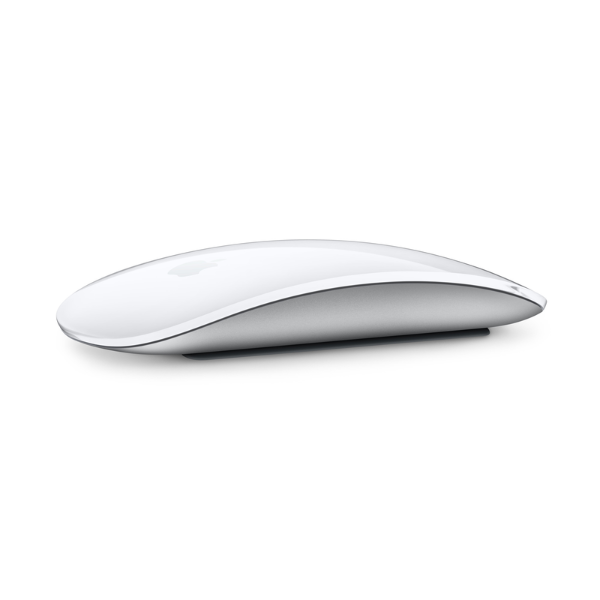
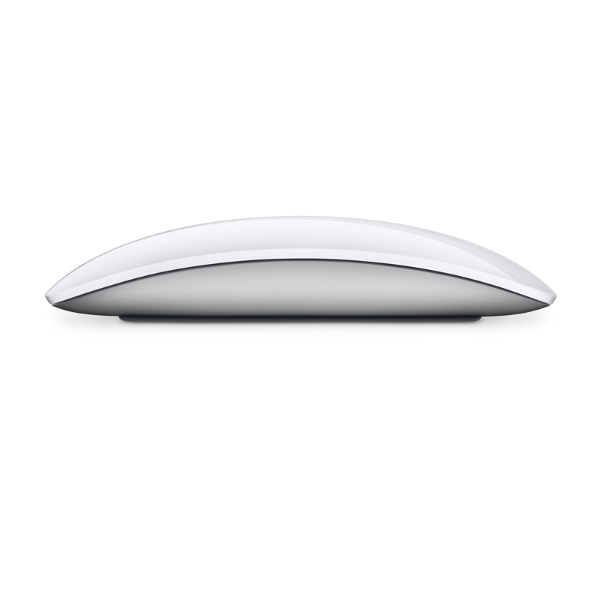
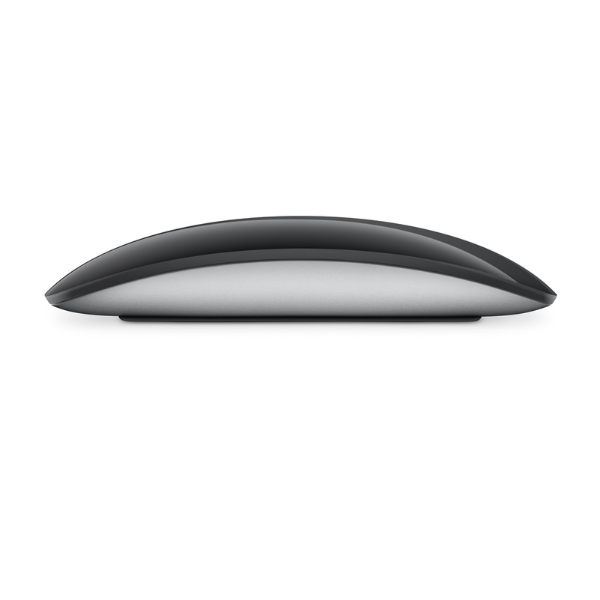
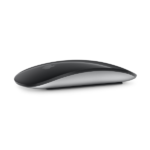
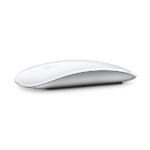
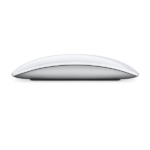
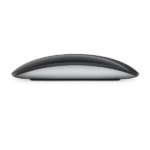
The Apple Magic Mouse (2024) continues Apple’s signature sleek, minimalist design philosophy. It features a low‑profile, smooth exterior with a multi‑touch surface that flows seamlessly over the entire top of the device. This surface isn’t just cosmetic — it enables intuitive gesture controls like swiping between web pages, scrolling through documents, and navigating around macOS and iPadOS with fluid motion.
Wireless & Rechargeable
This model is fully wireless, connecting via Bluetooth to Macs and compatible iPads, eliminating desktop clutter and cables. It includes a built‑in rechargeable battery, so you don’t have to replace disposable batteries. Once charged, the mouse can last about a month or more between charges under typical use.
USB‑C Charging
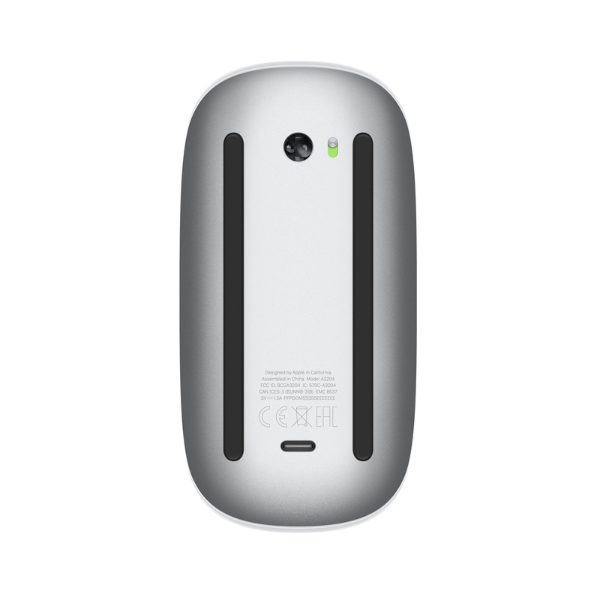
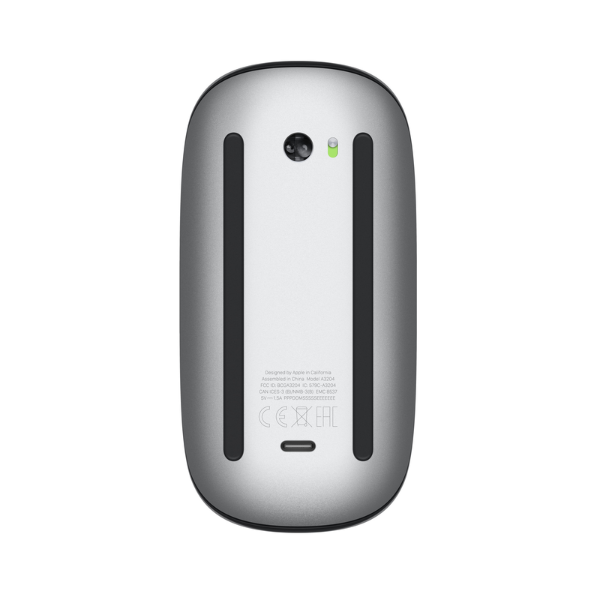
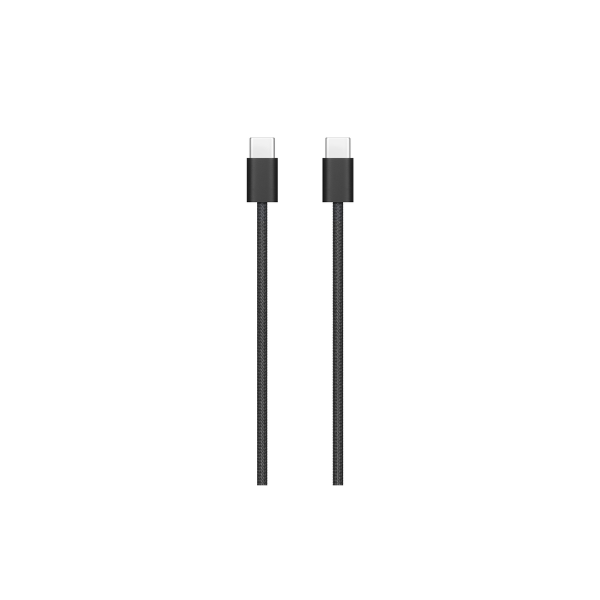
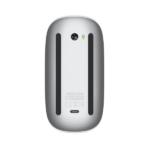
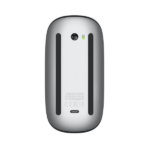
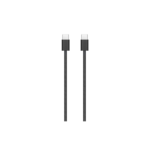
For the 2024 update, Apple replaced the older Lightning port with USB‑C charging, aligning with modern connectivity standards and making it easier to use the same cables for charging multiple devices. A woven USB‑C Charge Cable is included in the box for both charging and pairing. However, as with previous generations, the USB‑C port is located on the underside of the mouse, which means it cannot be used while charging — a design choice that has drawn criticism.
Multi‑Touch Gesture Support
The Magic Mouse’s touch‑sensitive top allows for:
-
Vertical and horizontal scrolling
-
Swipe gestures (such as between pages in a browser)
-
Smart gesture navigation in macOS and supported apps
These gestures make navigating content faster and more intuitive than with traditional button‑only mice.
🖱 Overview
-
Type: Wireless Bluetooth mouse
-
Rechargeable: Yes
-
Multi‑Touch Surface: Supports gestures like scrolling and swiping
-
Charging Port: USB‑C (charging port on underside)
-
Designed for: Mac and compatible iPad devices (requiring macOS 15.1 or iPadOS 18.1+)
🎨 Color Options
-
White Multi‑Touch Surface
-
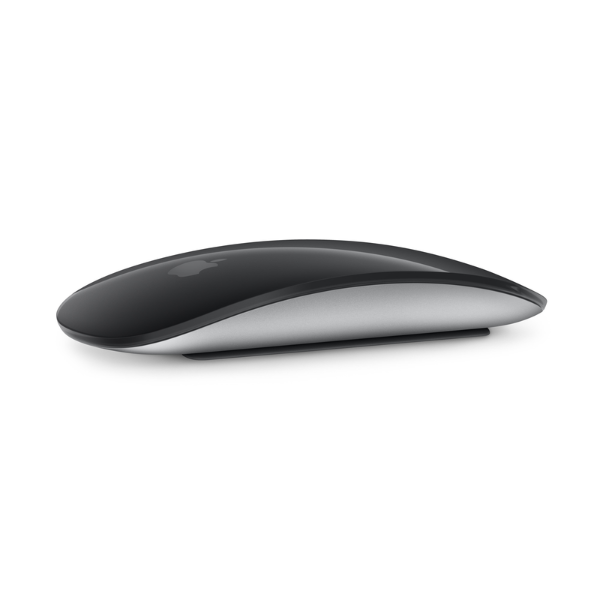
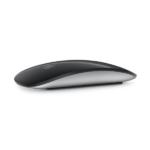
Black Multi‑Touch Surface
📦 What’s in the Box
-
Magic Mouse
-
USB‑C Charge Cable
📏 Size & Weight
-
Height: 0.85 inch (2.16 cm)
-
Width: 2.25 inches (5.71 cm)
-
Depth: 4.47 inches (11.35 cm)
-
Weight: ~0.22 pound (0.099 kg)
🔌 Connections & Compatibility
-
Connectivity: Bluetooth
-
Charging/Port: USB‑C
-
Compatibility Requirements:
-
Mac with macOS 15.1 or later
-
iPad with iPadOS 18.1 or later
-
🔋 Battery & Usage
-
Rechargeable Battery: Built‑in
-
Battery Life: Approximately 1 month or more between charges depending on use
📱 Compatible Devices (Selected Examples)
-
Mac Models:
MacBook Air (M3 2024, M2/2023, etc.),
MacBook Pro (2024/2023 models),
iMac (24‑inch), Mac Studio, Mac mini, Mac Pro -
iPad Models: Many iPad Pro, iPad Air, iPad, iPad mini models running iPadOS 18.1+
Design & Build
The Apple Magic Mouse (2024) continues Apple’s signature sleek, minimalist design philosophy. It features a low‑profile, smooth exterior with a multi‑touch surface that flows seamlessly over the entire top of the device. This surface isn’t just cosmetic — it enables intuitive gesture controls like swiping between web pages, scrolling through documents, and navigating around macOS and iPadOS with fluid motion.
Wireless & Rechargeable
This model is fully wireless, connecting via Bluetooth to Macs and compatible iPads, eliminating desktop clutter and cables. It includes a built‑in rechargeable battery, so you don’t have to replace disposable batteries. Once charged, the mouse can last about a month or more between charges under typical use.
USB‑C Charging
For the 2024 update, Apple replaced the older Lightning port with USB‑C charging, aligning with modern connectivity standards and making it easier to use the same cables for charging multiple devices. A woven USB‑C Charge Cable is included in the box for both charging and pairing. However, as with previous generations, the USB‑C port is located on the underside of the mouse, which means it cannot be used while charging — a design choice that has drawn criticism.
Multi‑Touch Gesture Support
The Magic Mouse’s touch‑sensitive top allows for:
-
Vertical and horizontal scrolling
-
Swipe gestures (such as between pages in a browser)
-
Smart gesture navigation in macOS and supported apps
These gestures make navigating content faster and more intuitive than with traditional button‑only mice.
🖱 Overview
-
Type: Wireless Bluetooth mouse
-
Rechargeable: Yes
-
Multi‑Touch Surface: Supports gestures like scrolling and swiping
-
Charging Port: USB‑C (charging port on underside)
-
Designed for: Mac and compatible iPad devices (requiring macOS 15.1 or iPadOS 18.1+)
🎨 Color Options
-
White Multi‑Touch Surface
-
Black Multi‑Touch Surface
📦 What’s in the Box
-
Magic Mouse
-
USB‑C Charge Cable
📏 Size & Weight
-
Height: 0.85 inch (2.16 cm)
-
Width: 2.25 inches (5.71 cm)
-
Depth: 4.47 inches (11.35 cm)
-
Weight: ~0.22 pound (0.099 kg)
🔌 Connections & Compatibility
-
Connectivity: Bluetooth
-
Charging/Port: USB‑C
-
Compatibility Requirements:
-
Mac with macOS 15.1 or later
-
iPad with iPadOS 18.1 or later
-
🔋 Battery & Usage
-
Rechargeable Battery: Built‑in
-
Battery Life: Approximately 1 month or more between charges depending on use
📱 Compatible Devices (Selected Examples)
-
Mac Models:
MacBook Air (M3 2024, M2/2023, etc.),
MacBook Pro (2024/2023 models),
iMac (24‑inch), Mac Studio, Mac mini, Mac Pro -
iPad Models: Many iPad Pro, iPad Air, iPad, iPad mini models running iPadOS 18.1+